Logging Out: The Importance of Logging Out of Sensitive Sites

Between holiday travel, borrowed laptops, and coffee-shop Wi-Fi, it’s easy to leave a tab open and dash off to the next festivity. But staying signed in to sensitive sites is like leaving gifts on the porch—someone else may walk off with them. Logging out properly keeps your accounts (and your business) off a cybercriminal’s wish list.

Put a Bow on Your Privacy—Cover Your Camera

The holidays bring twinkling lights, family video calls, and… opportunistic scammers. One creepy tactic? Hijacking your webcam to watch, record, and extort (“sextortion”) victims. Paying a ransom only paints a bigger target on you—and attackers can still demand more later.

PCI Compliance: Why meeting PCI standards isn’t enough.

Many businesses assume that passing a PCI audit means they’re “secure.” It doesn’t. PCI DSS (Payment Card Industry Data Security Standard) is vital—but it focuses primarily on how you store, process, and transmit cardholder data. Modern attacks target far more than payment flows, and gaps outside PCI scope can still lead to costly breaches, downtime, and reputational damage.

Flash to be stopped in Office 365

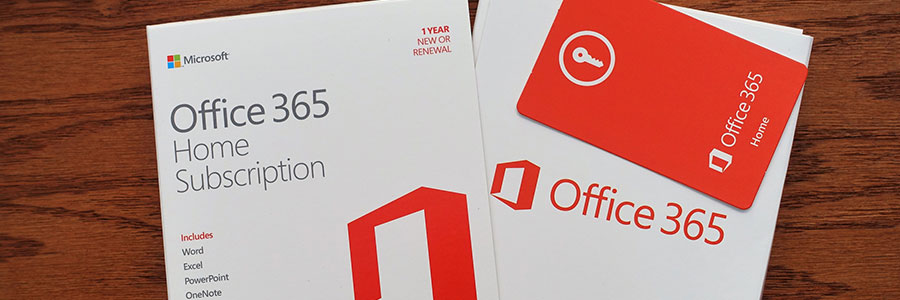
If you are one of the few Office 365 users who embeds Silverlight, Shockwave, or Flash content in your documents, your pastime will soon be a thing of the past. Over a week ago, Microsoft announced that Office 365 would completely block said media by January 2019.

Microsoft recently announced plans to eventually stop the activation of Silverlight, Shockwave, and Flash content in Office 365. This is not just the developers disabling bugs with an option to click a link or button to look at content.